Get paid faster with digital invoices
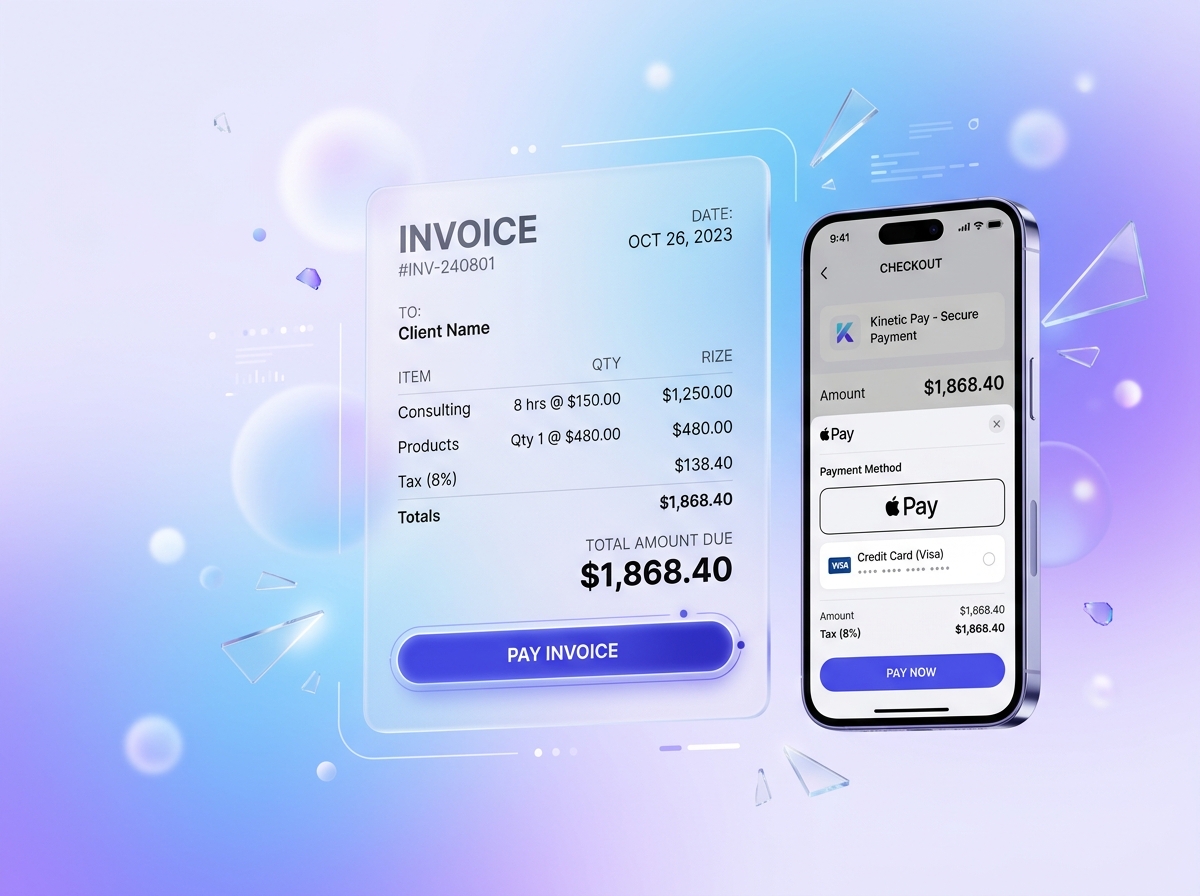
Create custom branded invoices with line items, tax, and due dates. Share a secure pay link or email invoices directly to clients.
- Hosted, mobile-friendly payment checkout pages
- Direct credit card & ACH settlement via Stripe
- Automatic real-time payment status tracking
- Zero manual reconciliation needed

Streamlined billing from quote to payout
One-click payment links
Generate a short, secure public payment link (/pay/[token]) that clients can open and pay from any smartphone or browser.
Instant card acceptance
Customers can pay using major credit cards, Apple Pay, Google Pay, or debit cards securely via Stripe.
Due dates & payment terms
Set custom payment terms (Due on receipt, Net 15, Net 30) and track overdue balances with color-coded status badges.
Real-time notifications
Get instant alerts when a client views your invoice and when the payment settles into your merchant balance.
Automatic order creation
Paid invoices automatically generate settled orders and update customer purchase histories in your system.
Bank-grade SSL security
All invoice transactions are encrypted end-to-end and processed on PCI-DSS Level 1 compliant infrastructure.
How it works in Kinetic Pay
- 1
Step 1: 1. Create your invoice
Select a customer or enter an email address. Add itemized products, quantities, tax, and optional memo notes.
- 2
Step 2: 2. Send or share the link
Copy the secure link or send it directly. Your client receives a clean, professional invoice with a Pay Now button.
- 3
Step 3: 3. Receive funds automatically
Funds are processed directly into your connected Stripe account and routed to your bank account on standard payout schedules.
Works together with
Ready to ring up your first sale?
Create a free Starter account in about a minute. No hardware to buy and no long-term contract.